


Linux Users, Groups, and Permissions

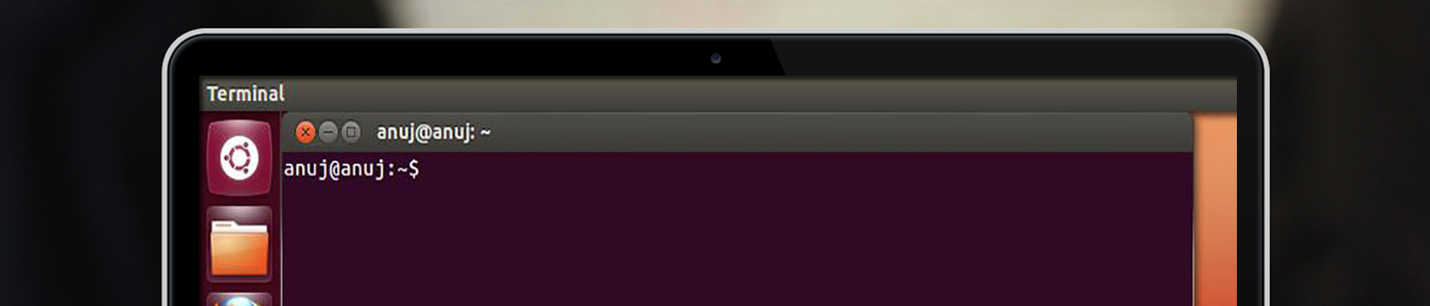
Linux Essential Skills Crash Course Part 3: Users, Groups, and Permissions Mastering users, groups, and permissions is fundamental to secure WordPress hosting on Ubuntu servers. This comprehensive guide breaks down these essential concepts, making them accessible for beginners while providing detailed insights for practical implementation. Understanding Linux Users Root User (Superuser) System Users Normal Users … Read more


Liferea one of the best Ubuntu RSS readers

liferea_ubuntero

Of course, not everyone wants to read RSS feeds with the browser. The main problem with reading RSS feeds with Firefox is that you get to see only the headline, rather than any actual text. This is where a dedicated RSS reader comes in handy, and Liferea is one of the best. It is not … Read more

Finding Software in Ubuntu 12.04 from the command line

ubuntero_search

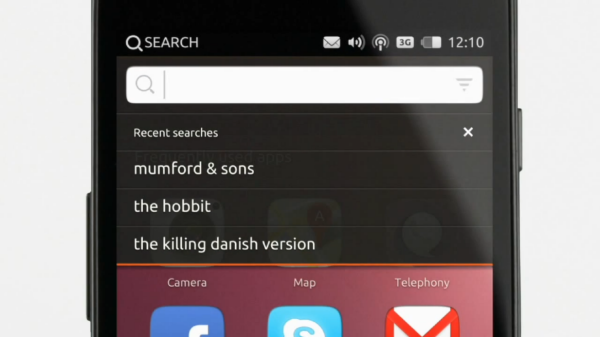
With so many packages available, it can be hard to find the exact thing you need using command-line APT. The general search tool is called apt-cache and is used like this: djx@ubuntu:~$ apt-cache search kde Depending on which repositories you have enabled, that tool returns about a thousand packages. Many of those results will not … Read more

Using Synaptic for Software Management in Ubuntu 12.04

ubuntu_commandline_ubuntero

The Add/Remove Applications dialog works just fine for adding applications, but if you need to install something very specific—such as a library—or if you want to reconfigure your installation system, you need to use Synaptic. You can install Synaptic using the Ubuntu Software Center described earlier; it is not installed by default. At first glance, … Read more

Limit Permissions with sudo

sudo_ubuntero

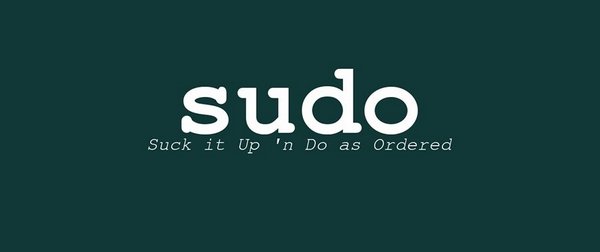
Leverage Ubuntu’s default sudo installation to allow fine-grained control over privileged access. If you have used a number of different Linux distributions in the past, one surprising thing you’ll notice the first time you use Ubuntu is that it disables the root account. For most other distributions, the installer prompts you for root’s password, and … Read more

Understanding the Ubuntu Linux File System Hierarchy

ubuntu_hierarchy

Linux has inherited from UNIX a well-planned hierarchy for organizing where things may be found. It isn’t perfect, but it is generally logical and mostly consistent, although distributions do tend to make some modifications that force some thinking and adaptation when moving between, say, Fedora, Slackware, and Ubuntu. The following table shows some of the … Read more

Installing Games in Ubuntu Warsow

ubuntu_warsaw_ubuntero

Warsow is a free and fast-paced first-person shooter (FPS)game that is available on Windows, Mac OS X, and Linux. Members of the Ubuntu community have packaged the game and make it available directly and easily for Ubuntu users from the software repositories.

Read more

A Brief History of LibreOffice

ubuntero_libreoffice

The OpenOffice.org office suite is based on a commercial suite called StarOffice. Originally developed by a German company, StarOffice was purchased by Sun Microsystems in the United States. One of the biggest complaints about the old StarOffice was that all the component applications were integrated under a StarOffice “desktop” that looked very much like a … Read more

Choosing an Email Client: Evolution

evolution_email_ubuntero

Up until Ubuntu 11.10, Evolution was the standard email client in Ubuntu, although to call it simply an email client is to sincerely underrate its usefulness as an application. Not only does it handle email, but it can also look after contacts and calendars and help you manage your tasks. With Evolution, you can handle … Read more

Unity Power Shortcuts

ubuntero_power_shortcuts

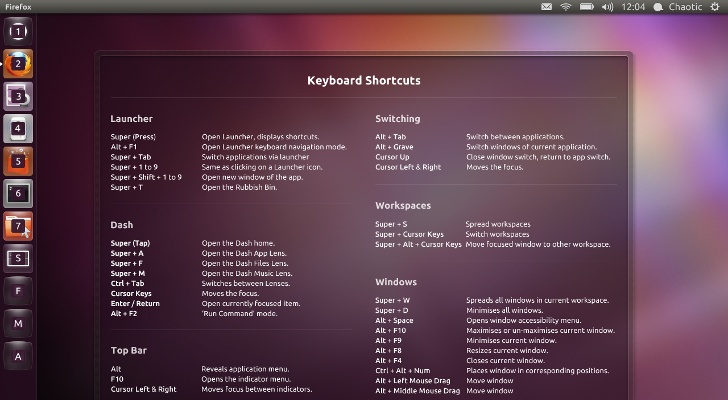
Often, power users want to avoid using the mouse. They don’t want to take their hands off of the keyboard unless absolutely necessary because doing so slows them down. Here are some of the more useful keyboard shortcuts that readers of this book are likely to appreciate, many of which can be configured or adjusted … Read more